OpenTV
A free, open-source IPTV player for your TV.
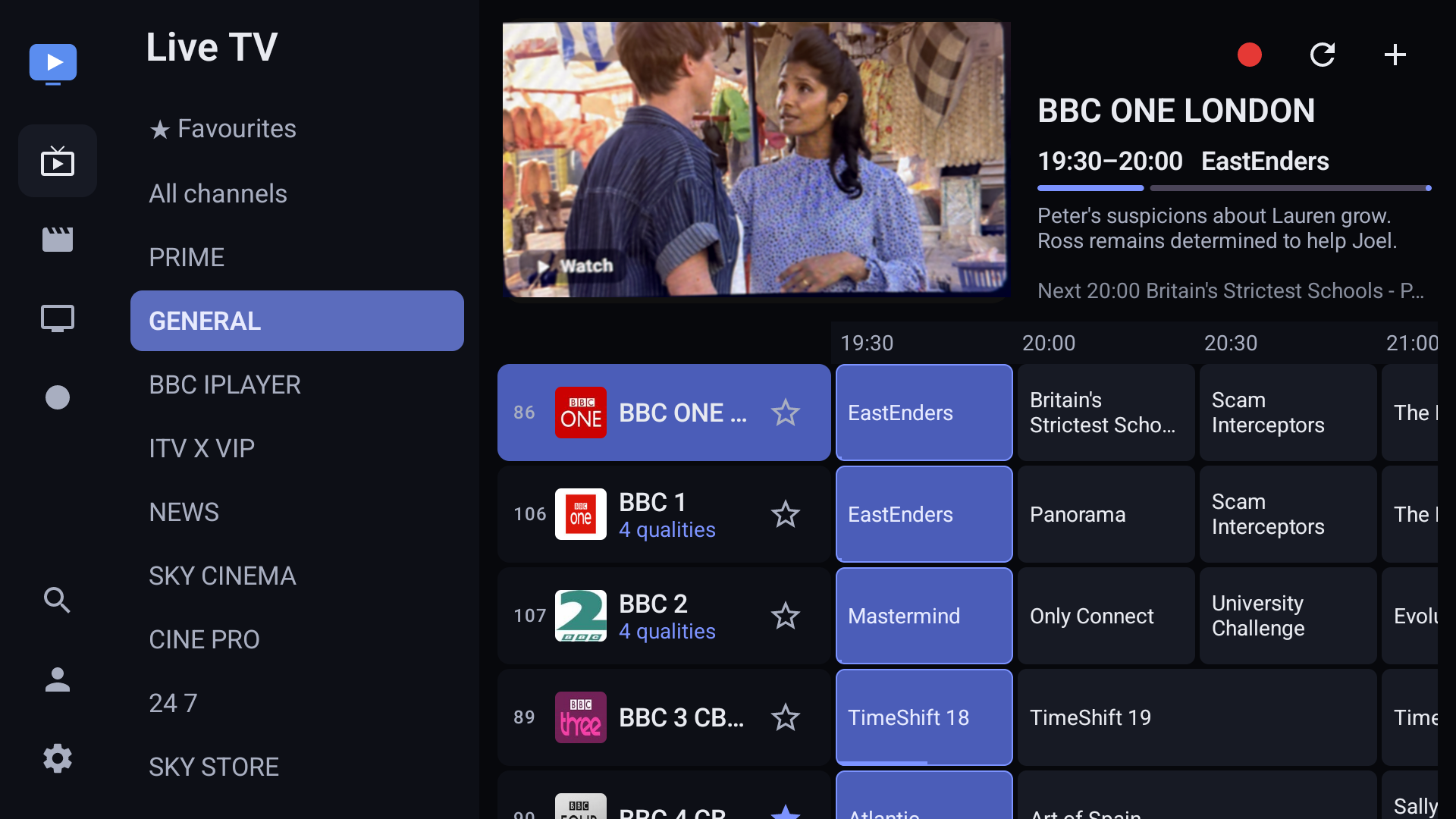
The guide — the channel you're on keeps playing while you browse.
Checking for the latest build…
Download APKOn a TV, type this into the Downloader app:
…
What you get
A full IPTV player — you bring the playlist, it does the rest. Everything below is in the app today.
Live TV & guide
- Full EPG guide (XMLTV) that scrolls, survives restarts and refreshes in the background
- Live preview — the highlighted channel plays, muted, in the guide
- Catch-up / archive on providers that offer it
- Programme reminders
- Channel numbers, direct number entry and a last-channel button
Recording (DVR)
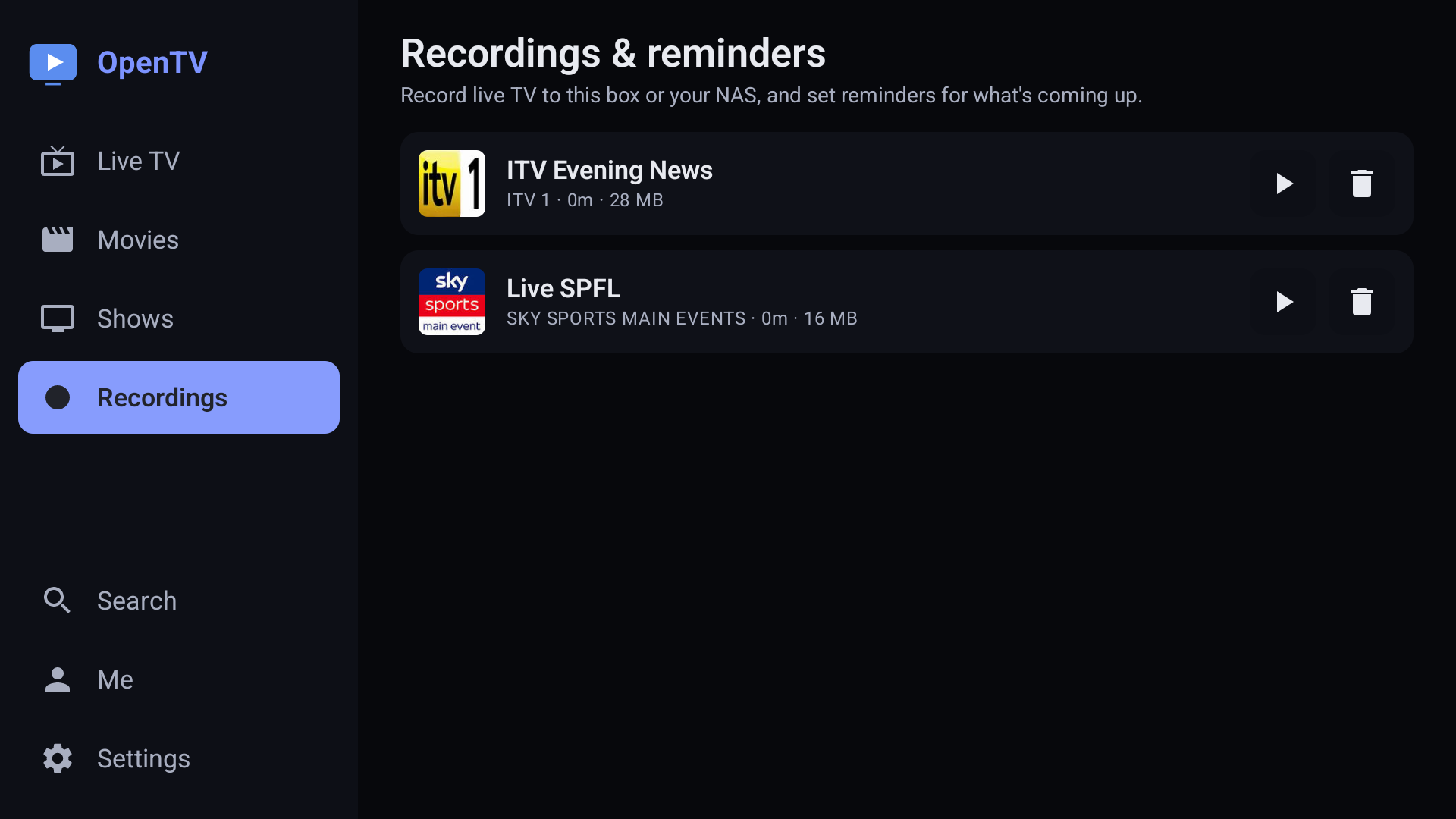
- Record to the box, a plugged-in USB / external drivenew, or a NAS over SMB
- Schedule from the guide, or series-link a whole show
- Scheduled and failed recordings show when they were set, with one-tap retrynew
- Keeps recording when you leave the app or the TV sleepsnew
- Play recordings back in-app — even from your other devices
Movies & series
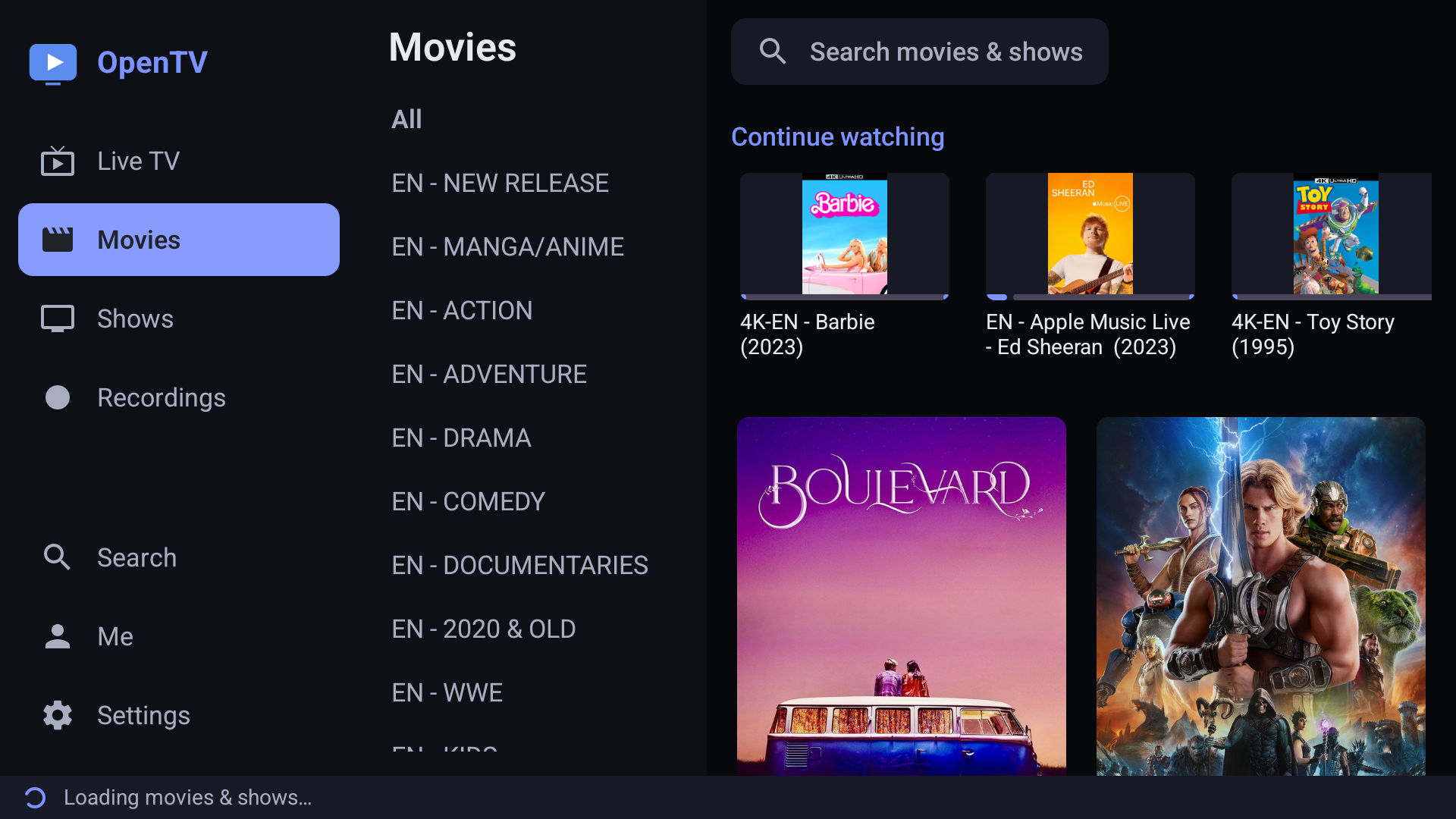
- Cinematic Movies & Shows — big artwork, cast, director and genrenew
- “More with this cast” and by-genre rows, Plex-stylenew
- Optional TMDB back-fill for missing posters and synopsis — your own free key, kept on-devicenew
- Loads instantly — the catalogue is cached, not re-fetched each timenew
- Video-on-demand with resume and Continue Watching
- Per-profile watch history
- One search across channels, movies and shows
Channel management
- Channel Manager: browse by category, hide or favourite
- Manage from a phone or laptop — rename, reorder, hide, favouritenew
- Keep multiple providers separate instead of merged
- Parental PIN and hidden categories
Player
- Subtitle, audio-track, quality and aspect-ratio pickers
- Picture-in-picture
- HLS and MPEG-TS streams
- Hand off to VLC or MX Player; sleep timer
Setup & sync
- Xtream login, or an M3U playlist with XMLTV guide
- Set up from your phone by scanning a code, or on the TV
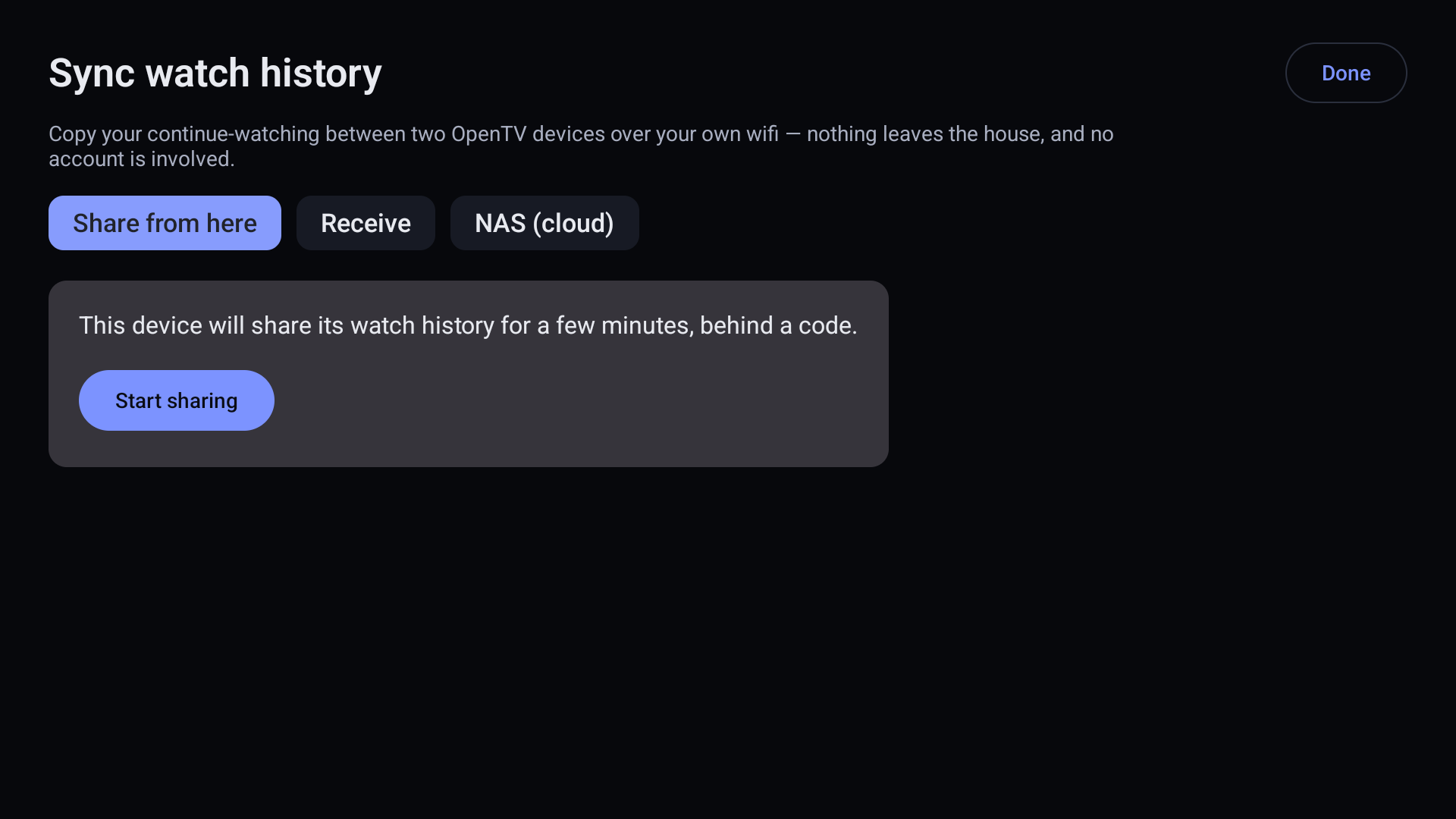
- Free sync between your own devices — favourites, history, even recordings — over your wifi or Tailscale, with no server
- Multiple profiles
Screenshots
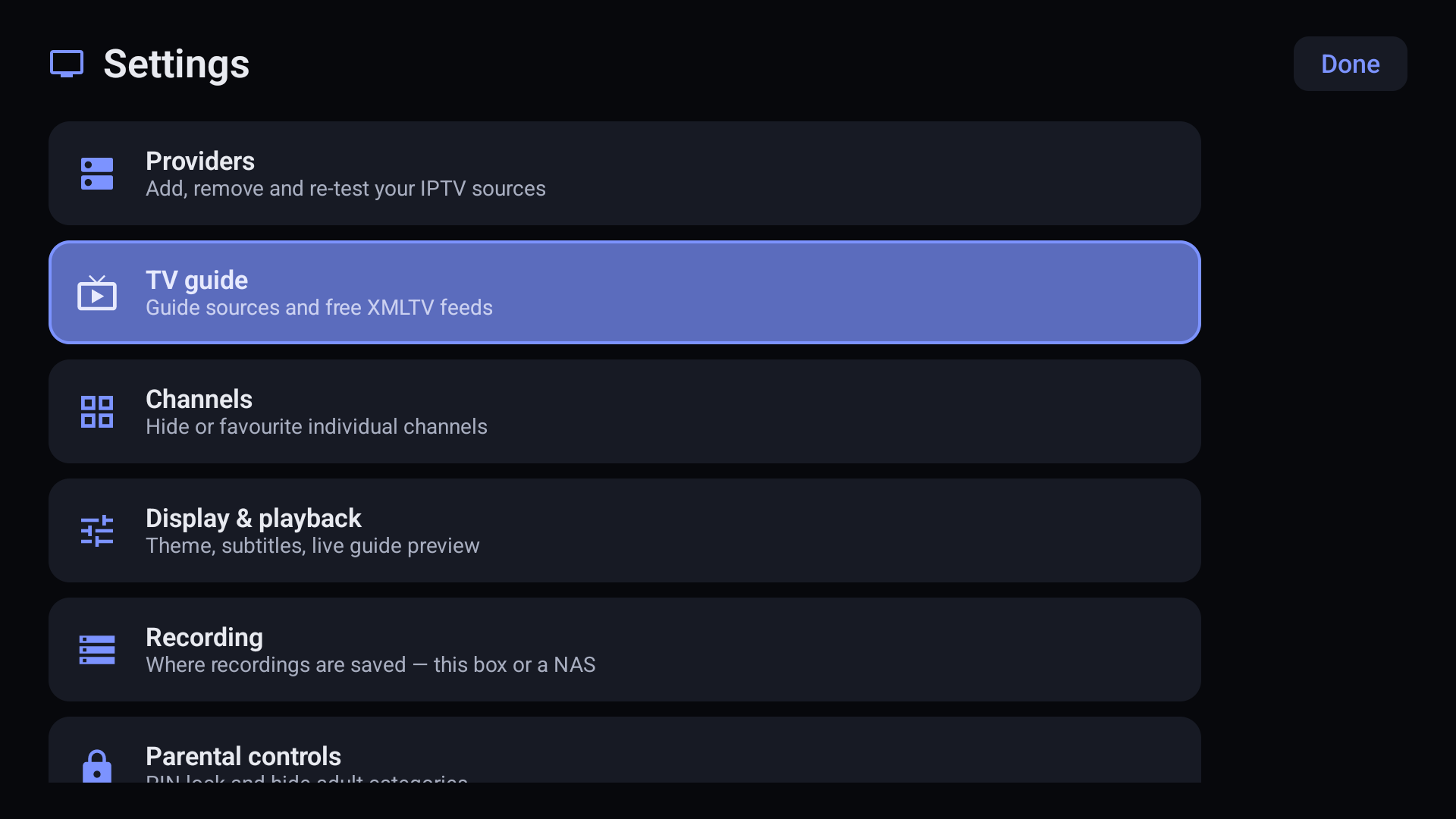
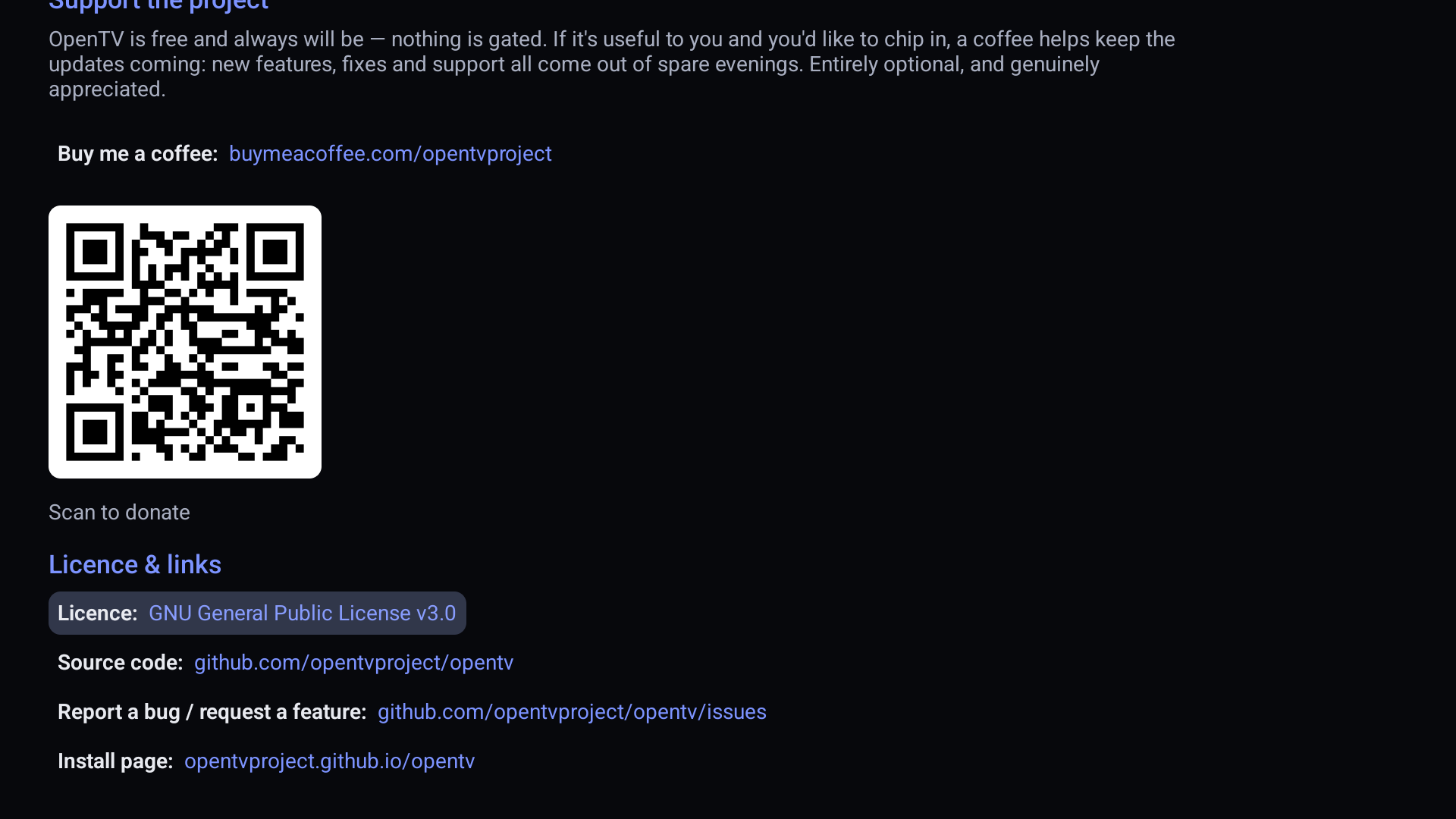
How to install
Android won't install apps from outside the Play Store until you allow it. That's a sensible default — you're about to turn it off for one app, so it's worth knowing that's what you're doing.
1. Get the Downloader app
- From the Google TV home screen, search for Downloader (the orange icon, by AFTVnews) and install it.
2. Allow it to install apps
- Go to Settings → System → Apps → Security & restrictions → Unknown sources.
- Turn the switch on for Downloader.
Some Google TV builds hide this until you've tried and failed to install once. If you can't find it, carry on to step 3 — the prompt will appear when it's needed and take you straight there.
3. Download and install
- Open Downloader and type the address from the box above into the URL field.
- Press Go. It'll download the APK.
- When it finishes, choose Install, then Done.
- Choose Delete when Downloader offers — it's just clearing the copy it saved.
4. Find it
Sideloaded apps often don't show on the Google TV home row. Look in Settings → Apps → See all apps, or install Sideload Launcher to pin it somewhere you can reach with the remote.
Onn boxes, Nvidia Shield, Ugoos, and TVs with Android TV or Google TV built in.
- Install Downloader from the Play Store.
- Go to Settings → Apps → Security & restrictions → Unknown sources and enable Downloader. On older Android TV builds it's Settings → Device Preferences → Security & restrictions.
- Open Downloader, type the address from the box above, press Go.
- Choose Install when the download finishes.
Or, if you have adb set up
Faster and less fiddly if you already use it:
- Enable Developer options → USB debugging on the box.
- On your computer: adb connect <box-ip>:5555 then adb install opentv.apk
Fire OS hides this in a different place from Android TV.
- Go to Settings → My Fire TV → About and click the name of your device seven times to unlock Developer options.
- Back out one level, open Developer options, and turn on Install unknown apps (older sticks call it Apps from Unknown Sources).
- Install Downloader from the Amazon Appstore.
- If you turned on Install unknown apps, enable the switch for Downloader in that list.
- Open Downloader, type the address from the box above, press Go, then Install.
Fire TV Stick Lite and older 1st-gen sticks are slow with large channel lists. It'll work; expect the first catalogue sync to take a while.
- Open this page on the phone and tap Download APK above.
- Your browser will warn you about the file type — that warning is expected for any APK not from the Play Store.
- Open the downloaded file. Android will ask whether to allow your browser to install apps; allow it, then install.
Worth doing first even if the TV is the real target — it's far quicker to find out whether your provider details work using a touchscreen than a remote.
Is this safe to install?
Fair question, and you shouldn't take anyone's word for it. Every APK here is built by GitHub Actions from a public commit, and the build log is public too — you can read exactly what went into it, and rebuild it yourself from the same source to check you get the same thing. That's a stronger guarantee than a Play Store listing gives you, and it's the whole reason this project is open in the first place.